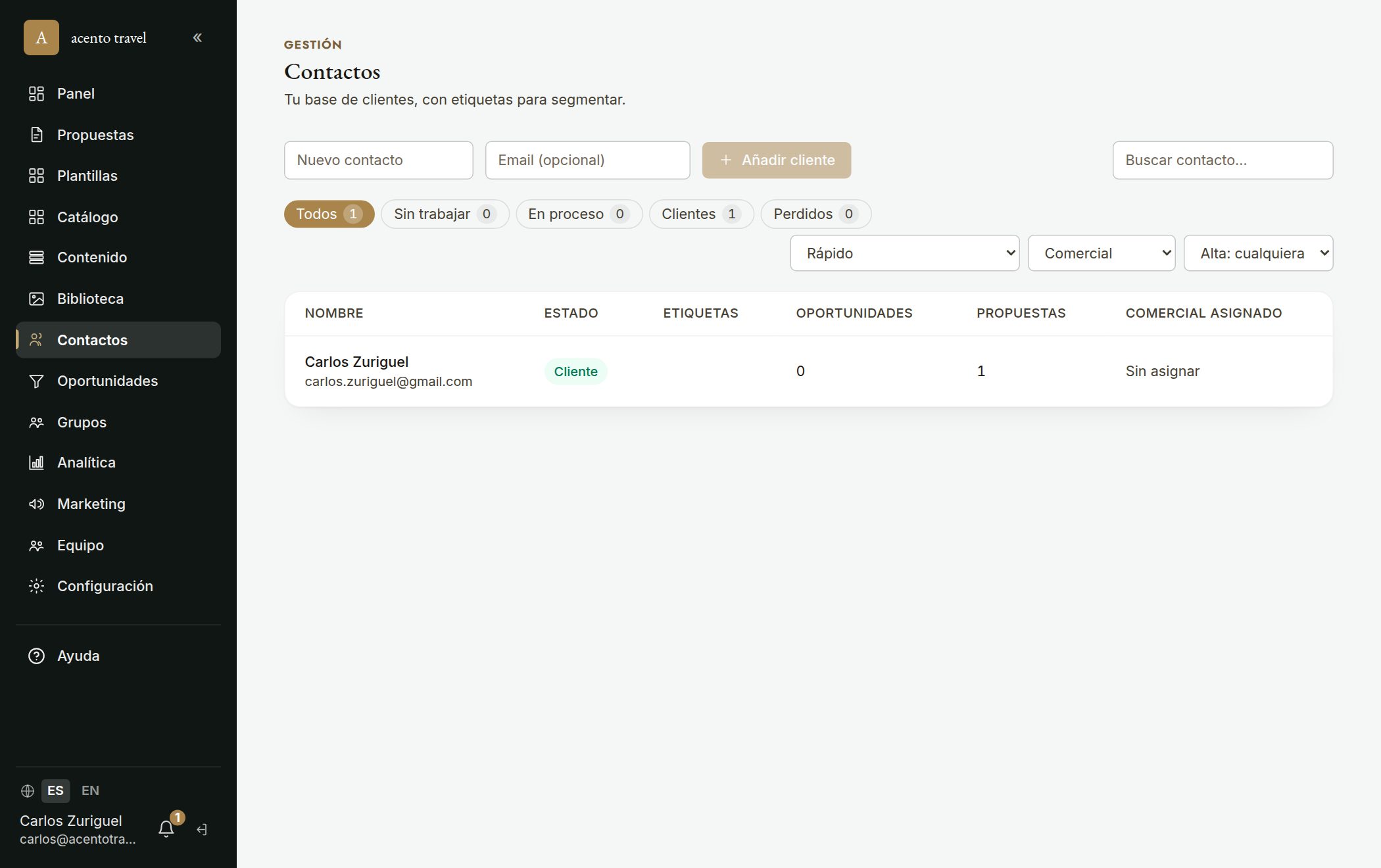
In «Contacts» you have your client base: each record brings together their details, tags, history, proposals, opportunities, tasks and their groups and bookings in one place. The «Groups and bookings» tab shows which groups the contact is in and in what role: as payer (with the booking, its payment status and pending amount) and as participant (with their rate/category).
- 1Go to «Contacts» and click «New contact».
- 2Choose whether it's a person or a «Family» (a contact with relatives inside; see the «family contact» article).
- 3Fill in their details and add tags to segment (e.g. «VIP», «Honeymoon»).
- 4On their record, link proposals and opportunities and check the history (opens, emails, notes, tasks) to keep everything together.