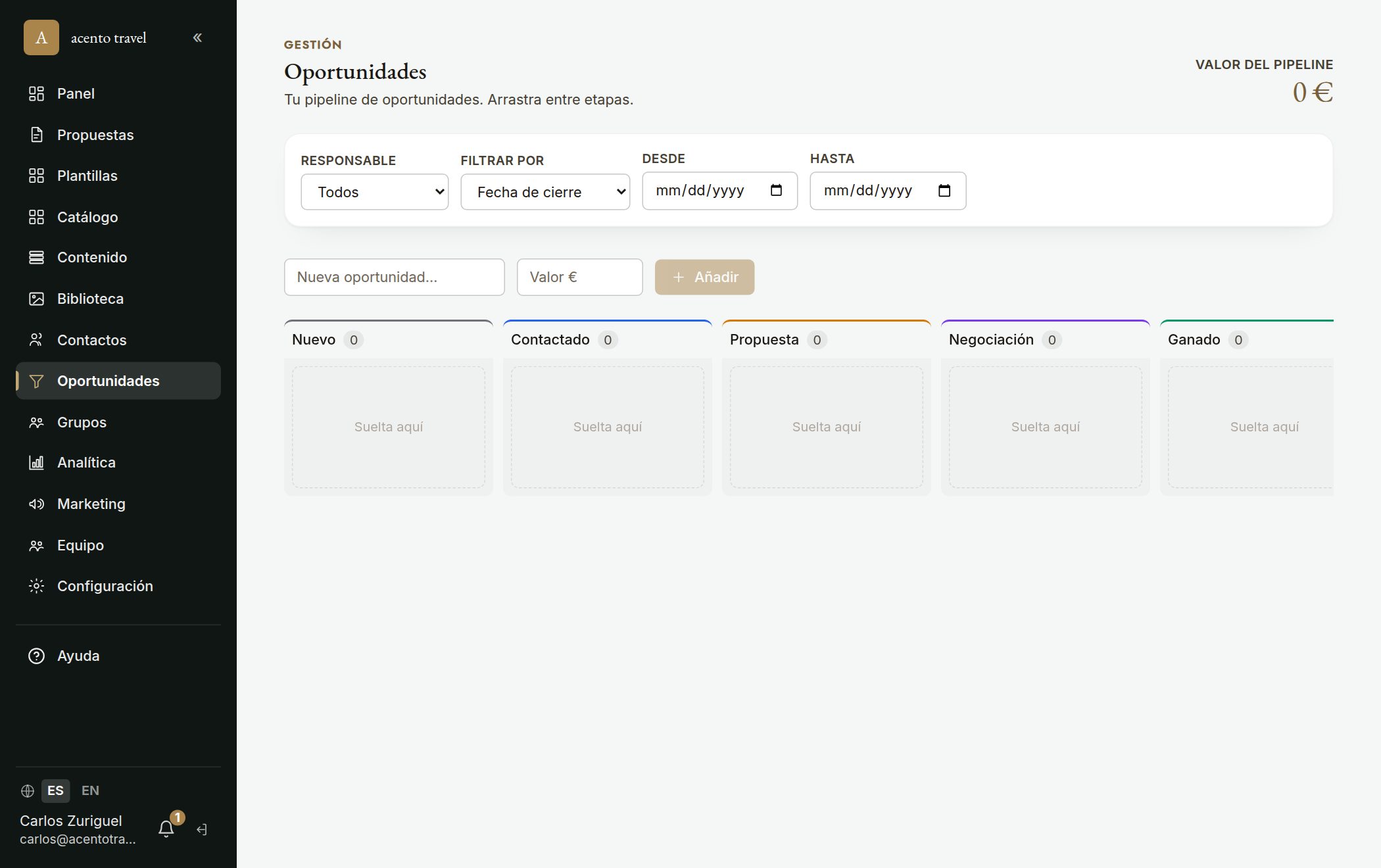
In «Opportunities» you have your pipeline by stage: New · Contacted · Proposal sent · Proposal viewed · Negotiating · Won · Lost. Drag the cards between stages, and at the top you see the total pipeline value and the close forecast by month. Quick filters (this month, next 3 months…) narrow down what you see.
- 1Go to «Opportunities» and create an opportunity; drag it between stages as it progresses.
- 2Many stages move on their own with the proposal: publishing it moves it to «Proposal sent», when the client opens it to «Proposal viewed» and on acceptance to «Won» (see the «How proposals and opportunities connect» article).
- 3Each card shows how long it's been in its current stage (amber or red if it stalls), so you move the ones that have been sitting.
- 4Click an opportunity (it opens in a new tab) to see its record: linked proposals, value, expected close and owner.
- 5On the record, the «Tasks» tab uses the full task system (owner, date, reminder); those tasks also appear in the «Tasks» menu.
Consejo: «Proposal viewed» is a key stage: it tells you the client already opened the proposal and is still deciding — the best time to call. Use the quick filters at the top (e.g. «this month») to review your forecast closes.